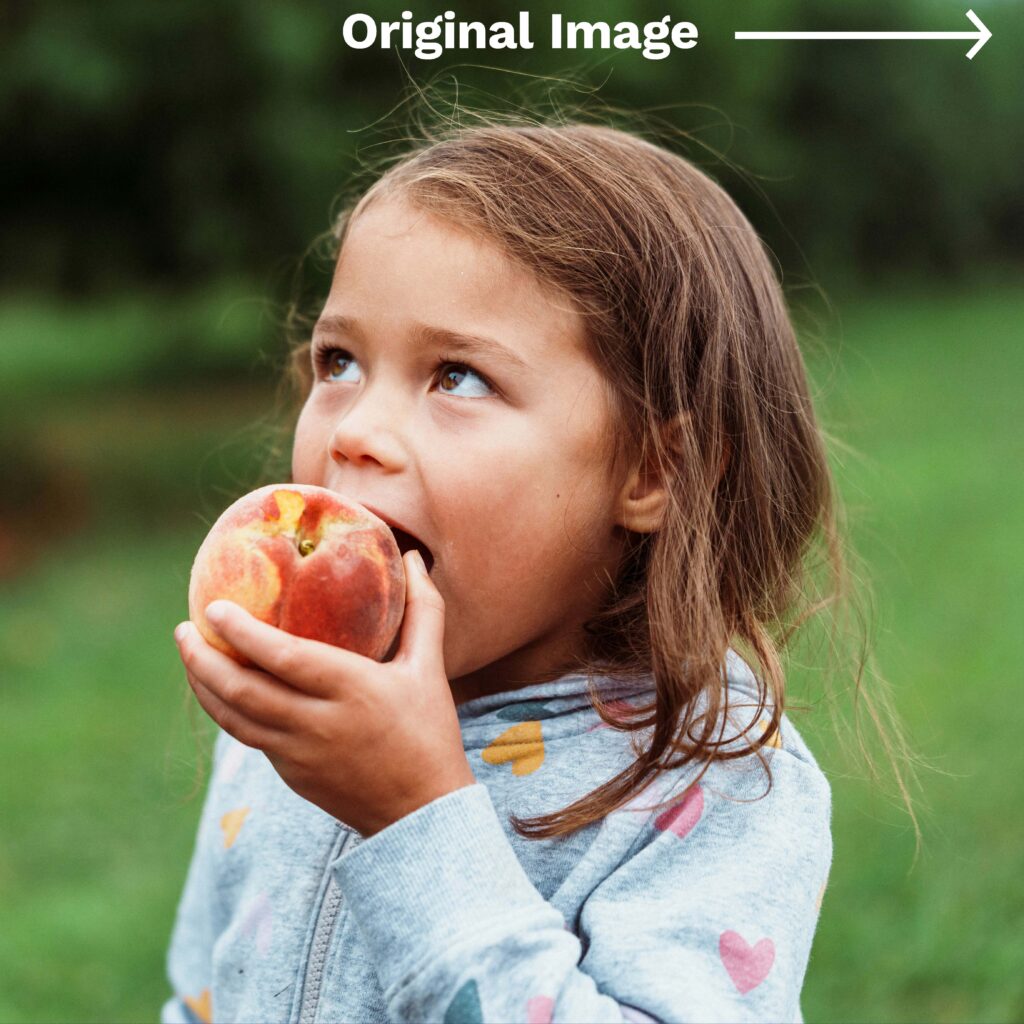
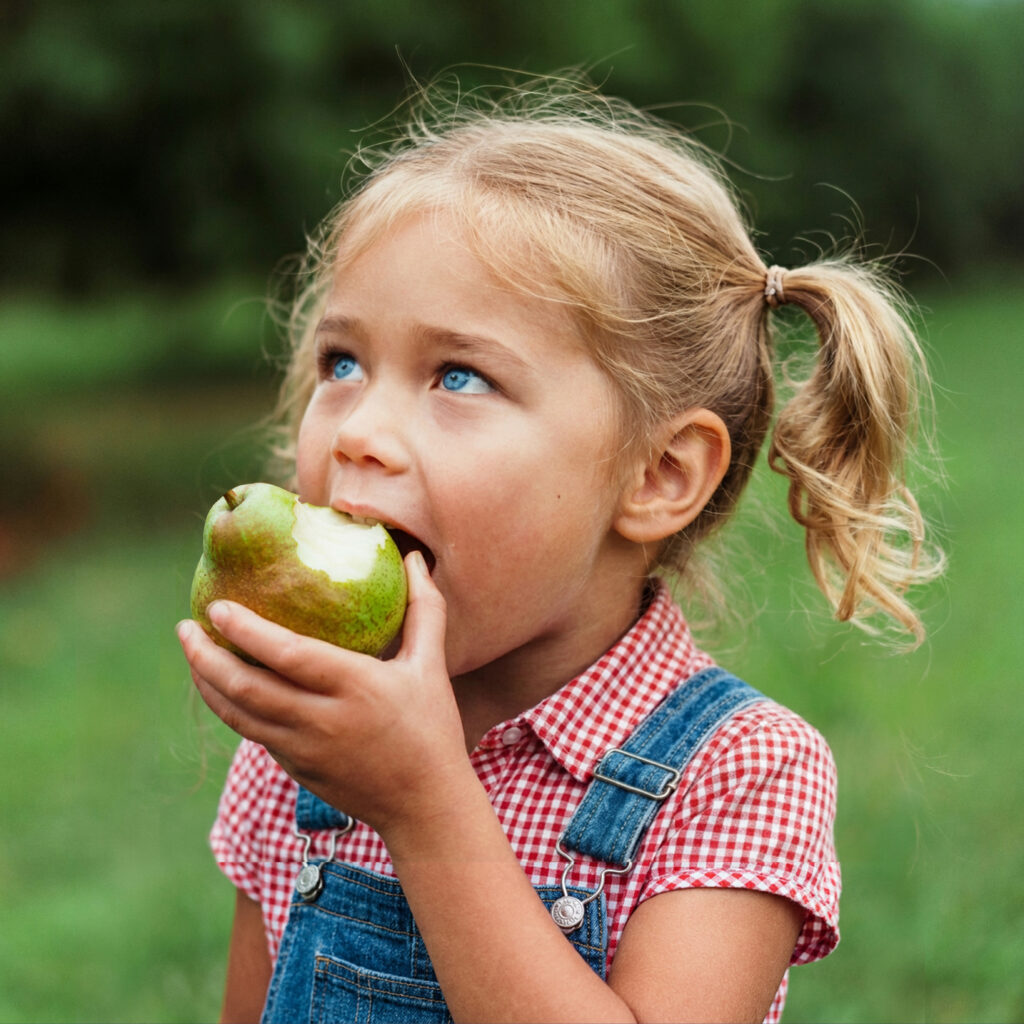
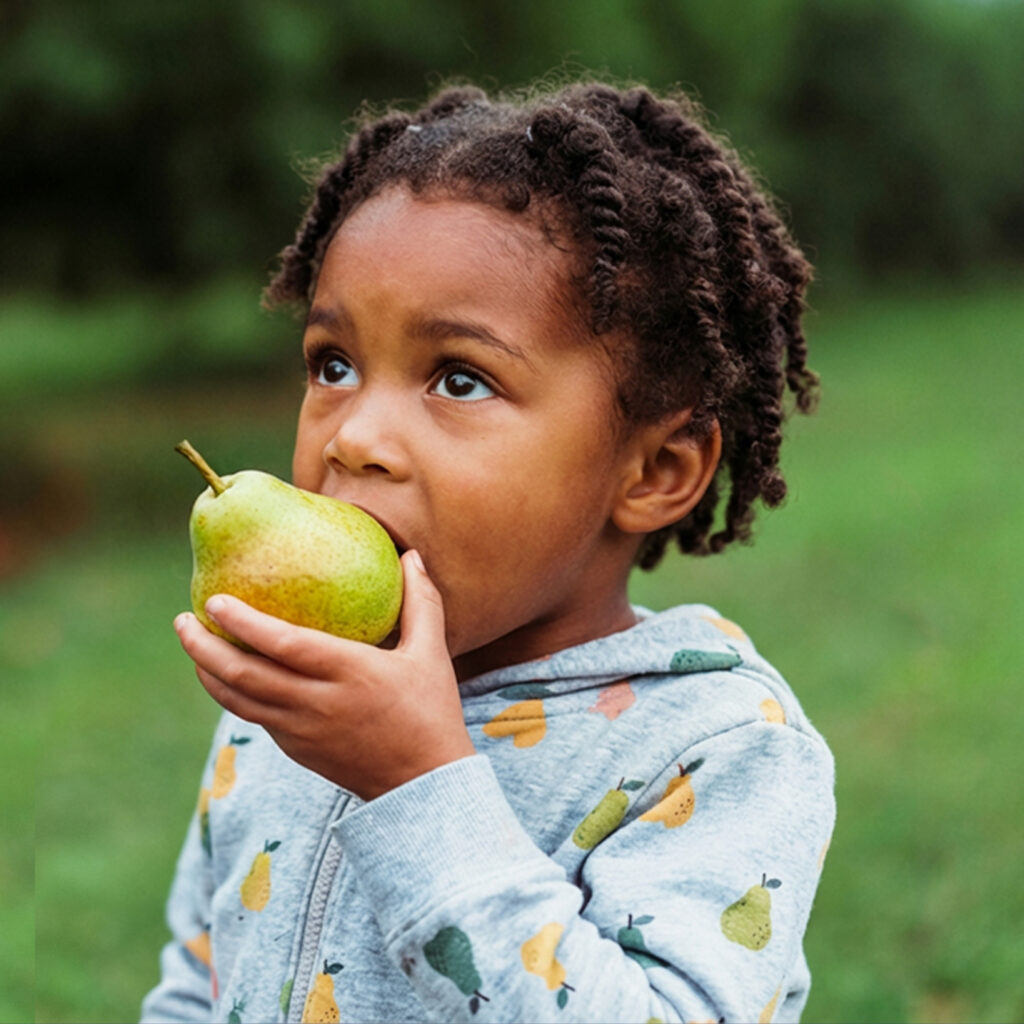
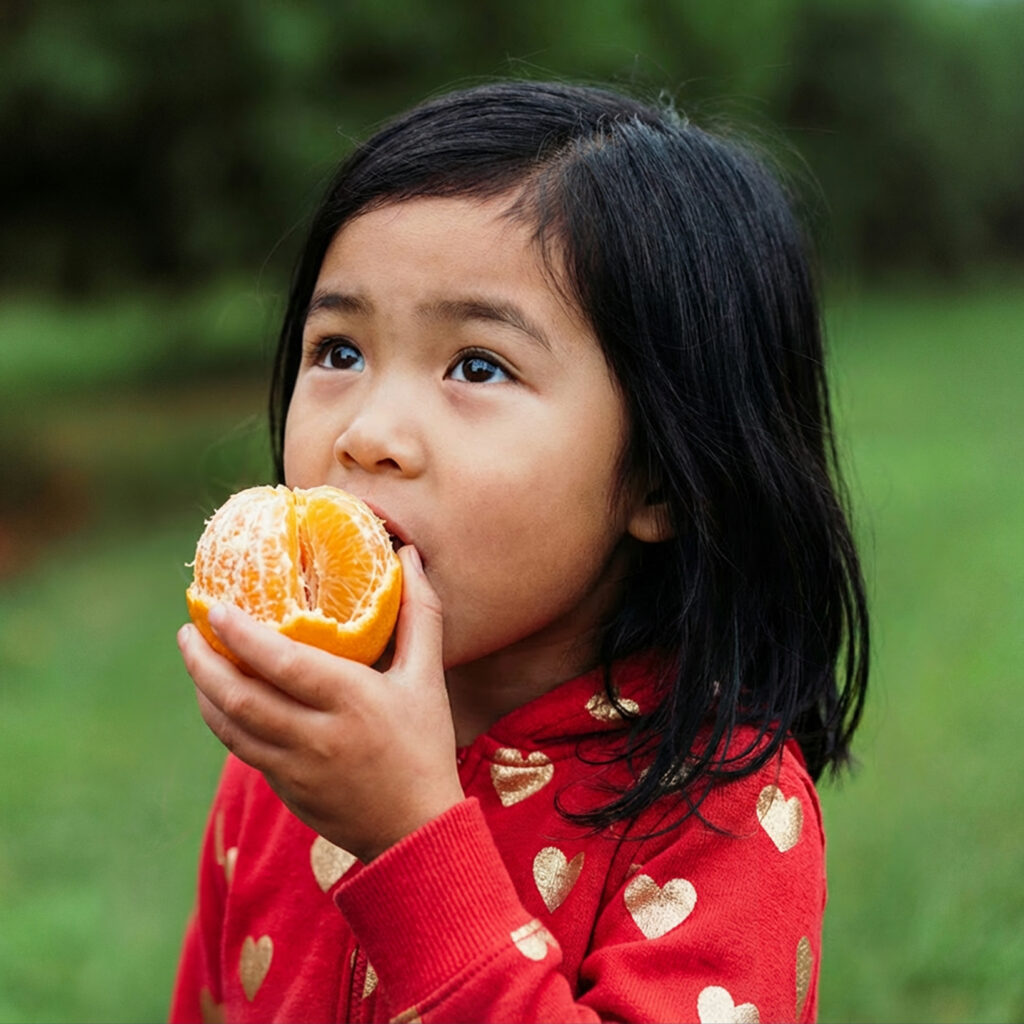
Generative AI is making it easier than ever to change people’s appearances in Photoshop. It’s so effective that it raises a real question: will this fundamentally change how we experience images—and by extension, the internet itself?
Altering the race of a person in a photo or video has become fast, inexpensive, and visually convincing. This isn’t just a novelty, like turning your kids into Miyazaki characters (~guilty~). This is a normal tool that will sit next to retouching, colour correction, and compositing.
There are some big choices for our industry coming very soon.
On one hand, this is solving problems designers already face. In public-sector and institutional work, images are constantly adjusted to better reflect the needs of the viewer. Sometimes that’s about correcting historic bias. Sometimes it’s about working with limited photo budgets. Inclusion has often been a goal, even when the tools were clumsy or manual. I have swapped entire boardrooms of stock photography people to better fit the needs and realities of the audience being served.
On the uncomfortable side, this technology makes it possible to selectively “tune” the images and videos you see. It is not hard to imagine systems that quietly adapt imagery to match personal preference—effectively filtering reality. No dramatic deepfakes. Just subtle, persistent bias baked into the visuals we consume.
This level of what I’ll call “Replacement AI”—the ability to seamlessly swap people, identities, or attributes inside existing images—isn’t inherently good or bad. But it is something we should be aware exists, understand the implications of, and handle deliberately—before it quietly becomes invisible and routine.
With the latest generative tools now integrated directly into Photoshop, we are pretty much there. I did these edits with my class yelling prompts at me like an improv show. Clothes, objects, even races can be swapped with a few taps on your keyboard. It’s not perfect; every third generation is unusable garbage and it can’t blend well so you still need some Photoshop masking skills. They’re also not quite the quality we need for print (they get a bit blurry the larger the area you’re generating), but for web-based images this is basically good to go on a massive scale.